Auto Mode (Recommended)
Use SubAgents Auto mode to let AI autonomously decide when to dispatch sub-agents for complex tasks.
Auto Mode (Recommended)
In Auto mode, AI autonomously decides when to dispatch SubAgents, how many to dispatch, and what each one is responsible for. Simply install the SubAgents rule, configure your models, and submit requests as usual — AI will automatically break down tasks and assign them to SubAgents when needed.
Auto vs Cowork — How to Choose?
Auto Mode Cowork Mode SubAgent dispatch AI decides autonomously User-defined Workflow Learning curve Zero config, works out of the box Requires writing/downloading Workflow YAML Best for Daily development, most tasks Large-scale refactoring, fixed processes, precise stage control Recommendation Recommended Advanced usage For most scenarios, we recommend Auto mode. AI automatically determines whether SubAgents are needed and how to allocate them based on task complexity — no manual orchestration required.
Step 1: Install the SubAgents Rule
Go to the Rules Market, find the subagents rule, and click Copy Command:
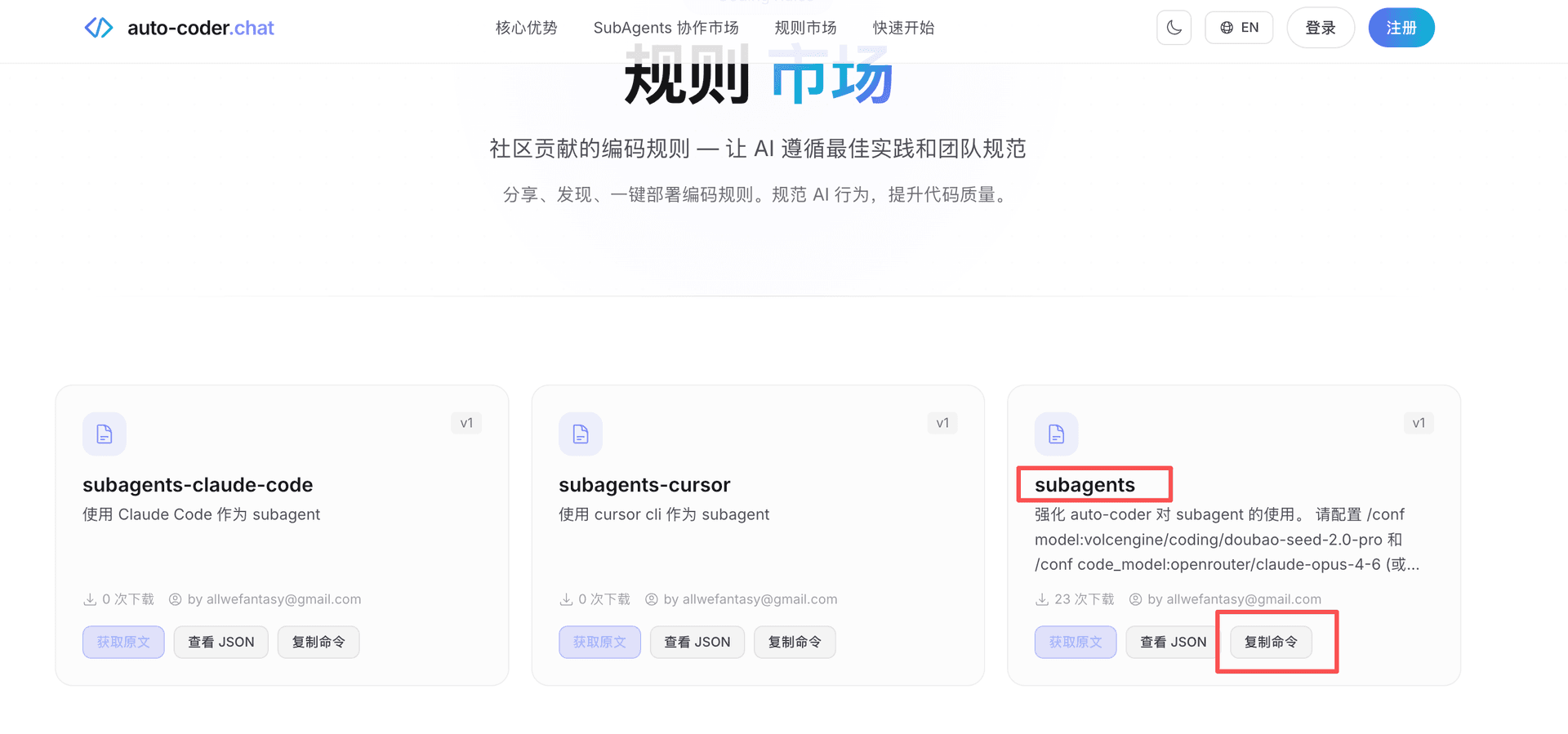
Run the copied command in your terminal to install the rule into your project.
Using Cursor CLI or Claude Code?
If you have Cursor CLI or Claude Code installed locally, you can choose the dedicated rule for your environment:
Rule Environment subagents auto-coder.chat (general) subagents-cursor Cursor CLI as SubAgent subagents-claude-code Claude Code as SubAgent Find the corresponding rule in the Rules Market and click Copy Command to install.
Step 2: Launch auto-coder.chat
Enter your project using auto-coder.chat.lite:
auto-coder.chat.lite
Step 3: Configure Models
You need to configure API Keys for two models.
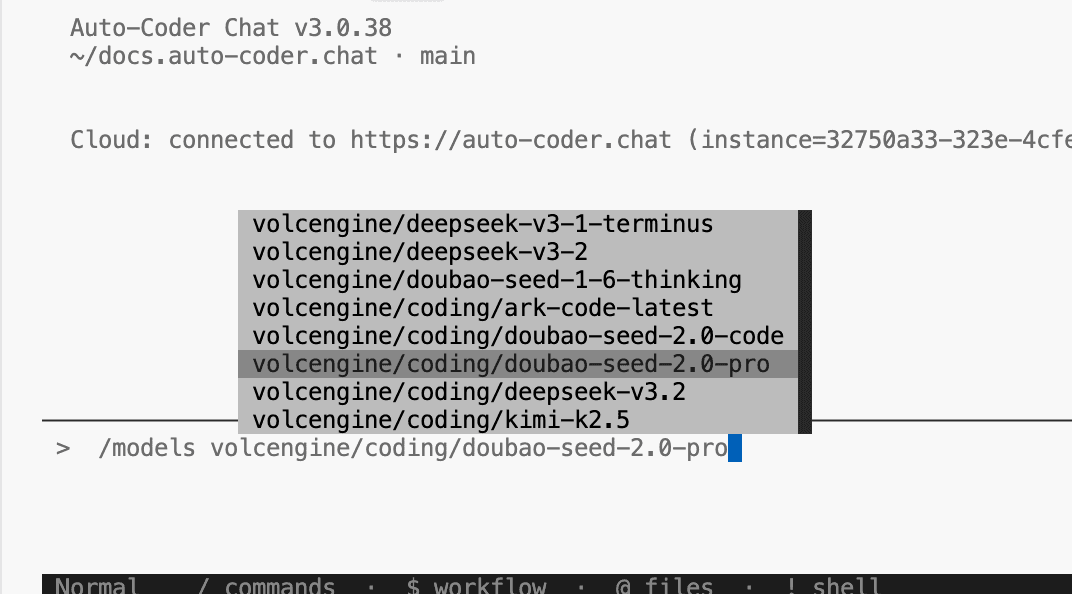
Configure doubao-seed-2.0-pro
/models volcengine/coding/doubao-seed-2.0-pro
Select volcengine/coding/doubao-seed-2.0-pro from the model list, then enter your API Key when prompted:
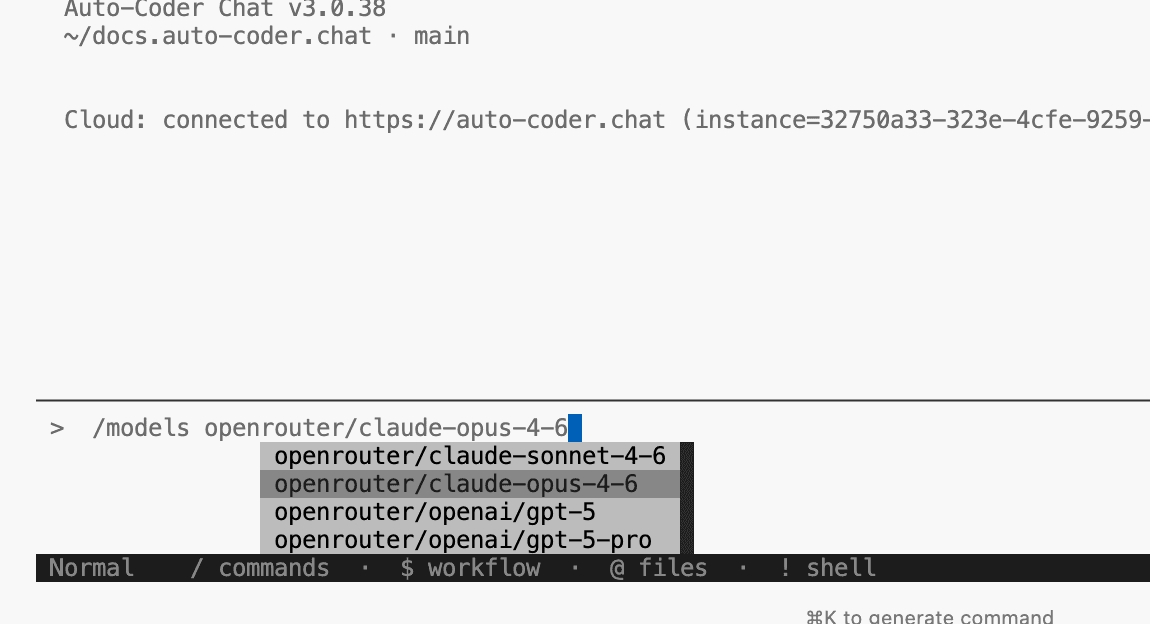
Configure claude-opus-4-6
/models openrouter/claude-opus-4-6
Select openrouter/claude-opus-4-6 from the model list, then enter your API Key when prompted:
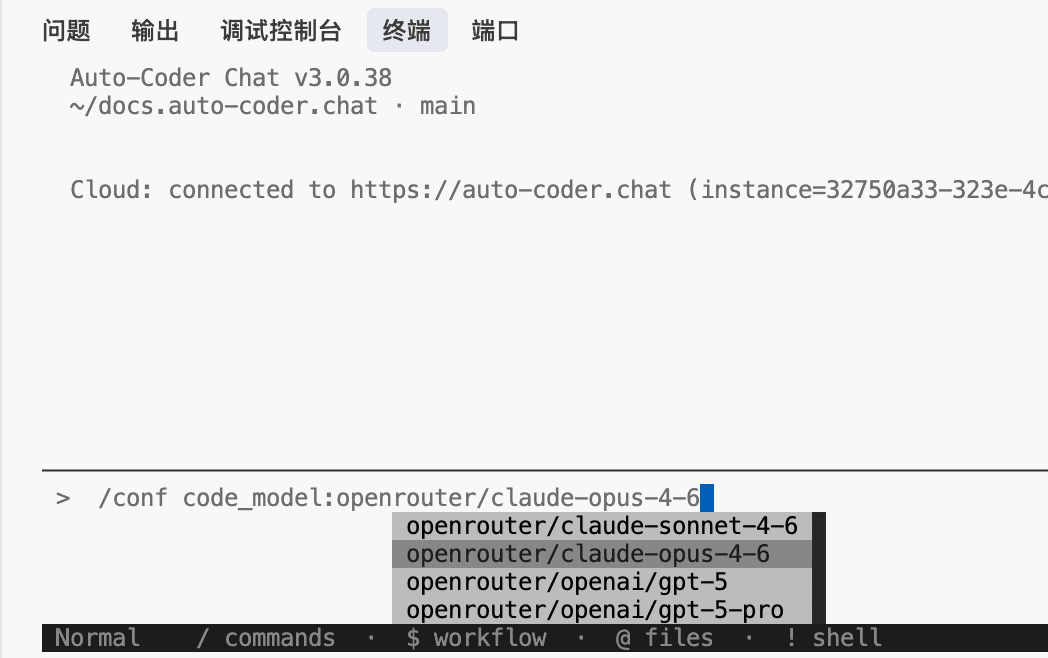
Step 4: Set model and code_model
After configuring API Keys, set the models for the current session:
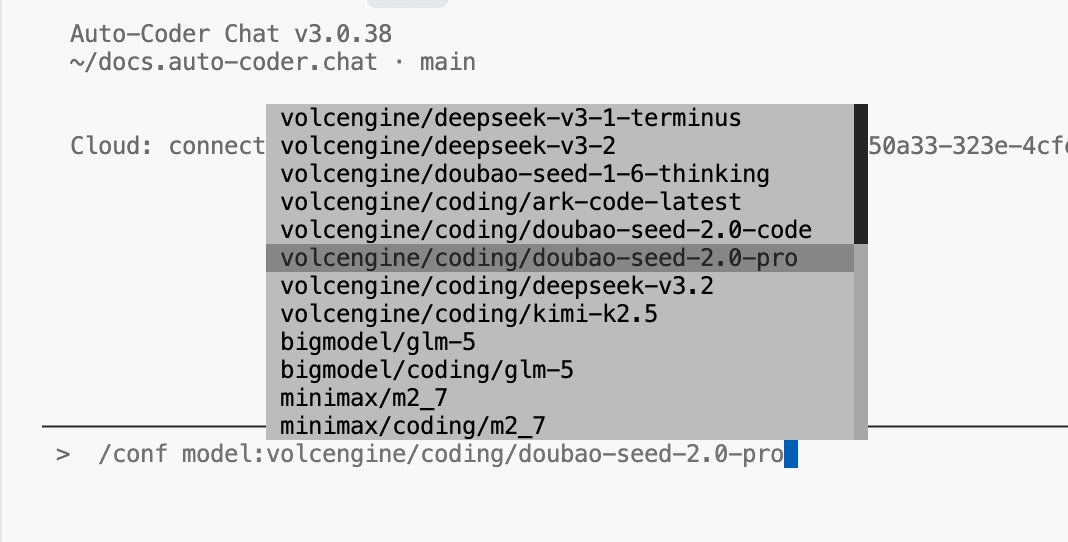
Set model (used by SubAgents)
/conf model:volcengine/coding/doubao-seed-2.0-pro
Set code_model (used for code generation)
/conf code_model:openrouter/claude-opus-4-6
Step 5: Start Developing
Everything is ready. Simply type your request:
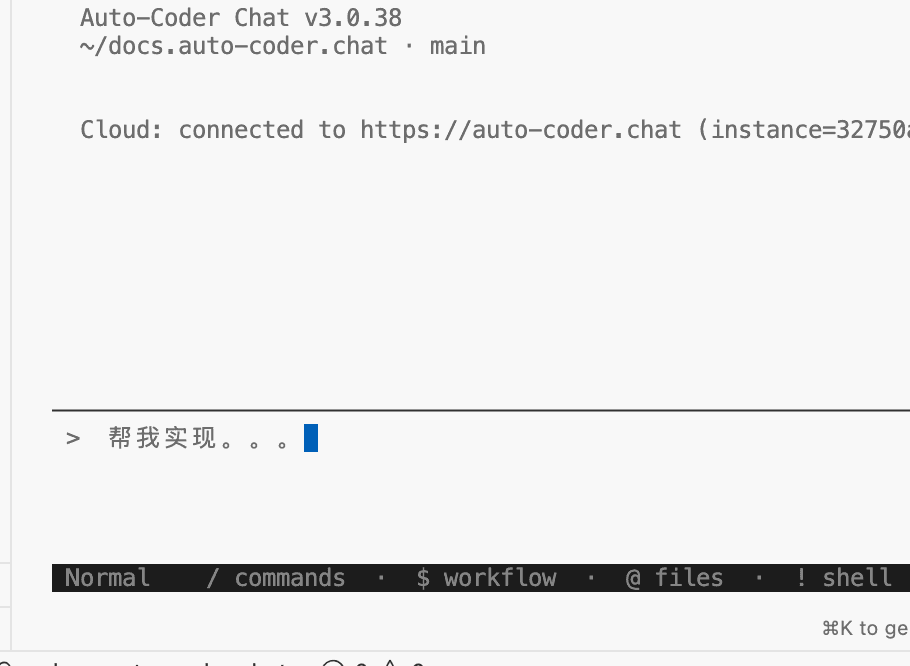
auto-coder.chat will automatically use SubAgents with doubao-seed-2.0-pro to complete your tasks. You can see the SubAgent dispatching process in the terminal:
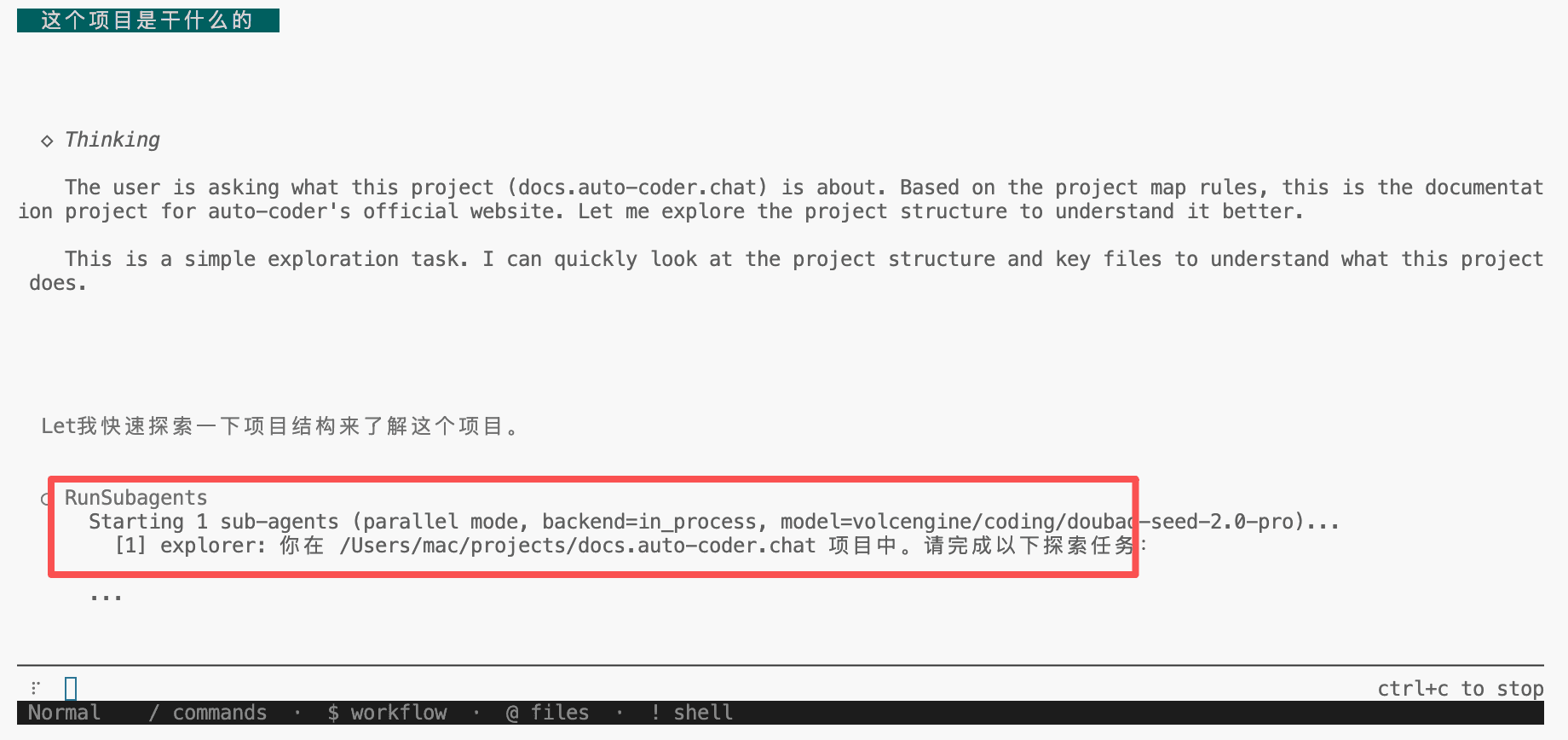
modelconfigures the model used by SubAgents (exploration, analysis, etc.), whilecode_modelconfigures the model used for final code generation. This combination lets you use a more economical model for exploration tasks while ensuring code quality with a more capable model.
Next Steps
- Learn about Cowork Mode for user-defined Workflow orchestration with precise control over multi-agent collaboration
- See Best Practices for tips on efficient usage