Quick Start
Get up and running with Auto-Coder.Chat in minutes and start your AI coding journey.
Quick Start
This guide helps you get started with Auto-Coder.Chat after installation. If you haven't installed it yet, see Installation first.
pip install -U auto-coder auto_coder_web
Choose Your Mode
Auto-Coder.Chat offers two ways to work. Navigate to your project directory and pick one:
cd your-project
Option 1: Web UI Mode
Launch the web interface:
auto-coder.web
Open http://localhost:3006 in your browser. You'll see the minimal dev view:
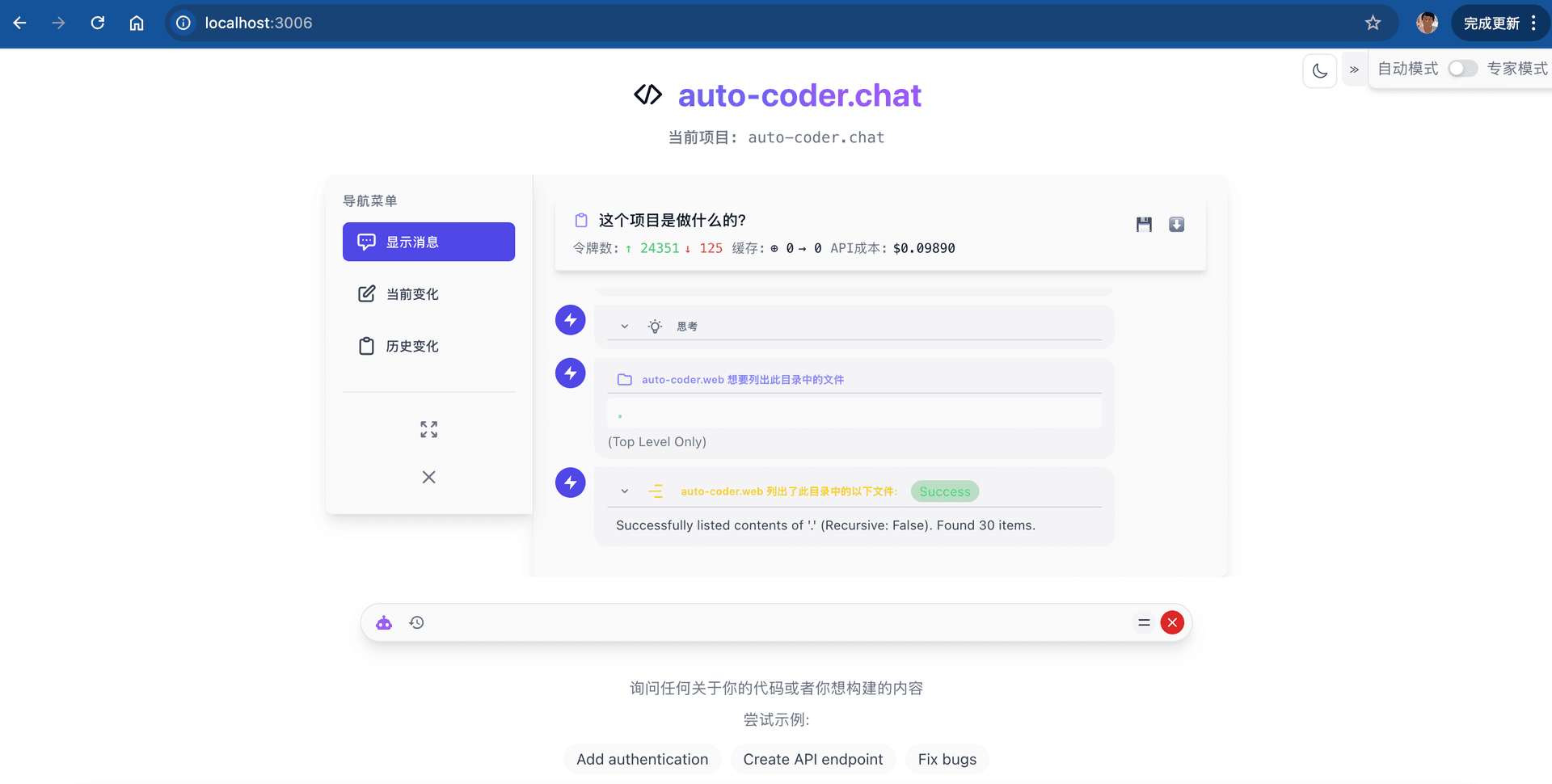
Type your request in the chat box and the AI will automatically analyze your project and execute coding tasks.
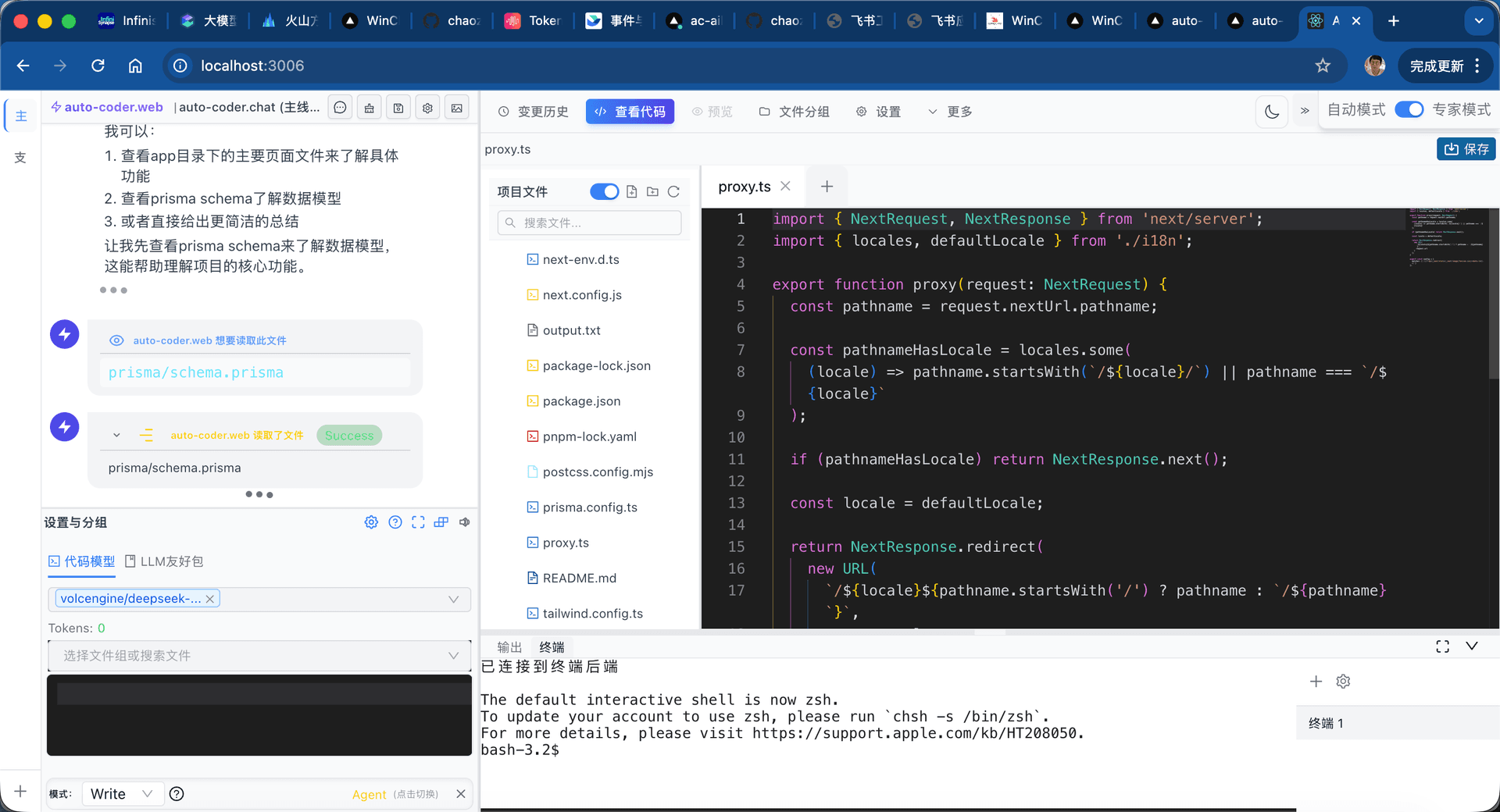
Click "View Code" at the top to switch to the pro dev view, with a built-in code editor, file tree, and terminal:
Option 2: CLI Mode (Classic / Lite)
Pick one command based on your workflow:
# Classic terminal (full command system)
auto-coder.chat

# Lightweight terminal (simpler, easier onboarding)
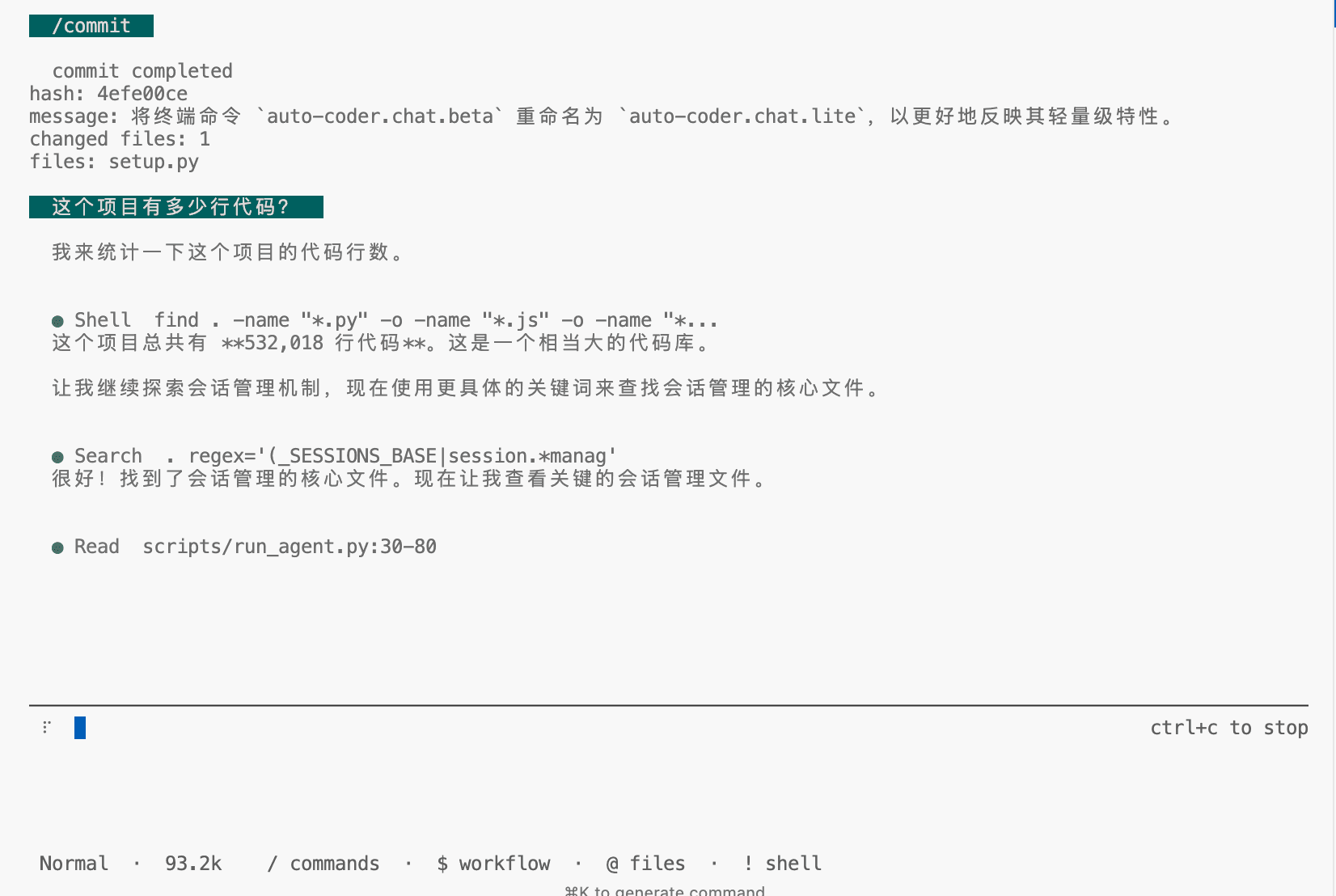
auto-coder.chat.lite
Classic terminal interface:
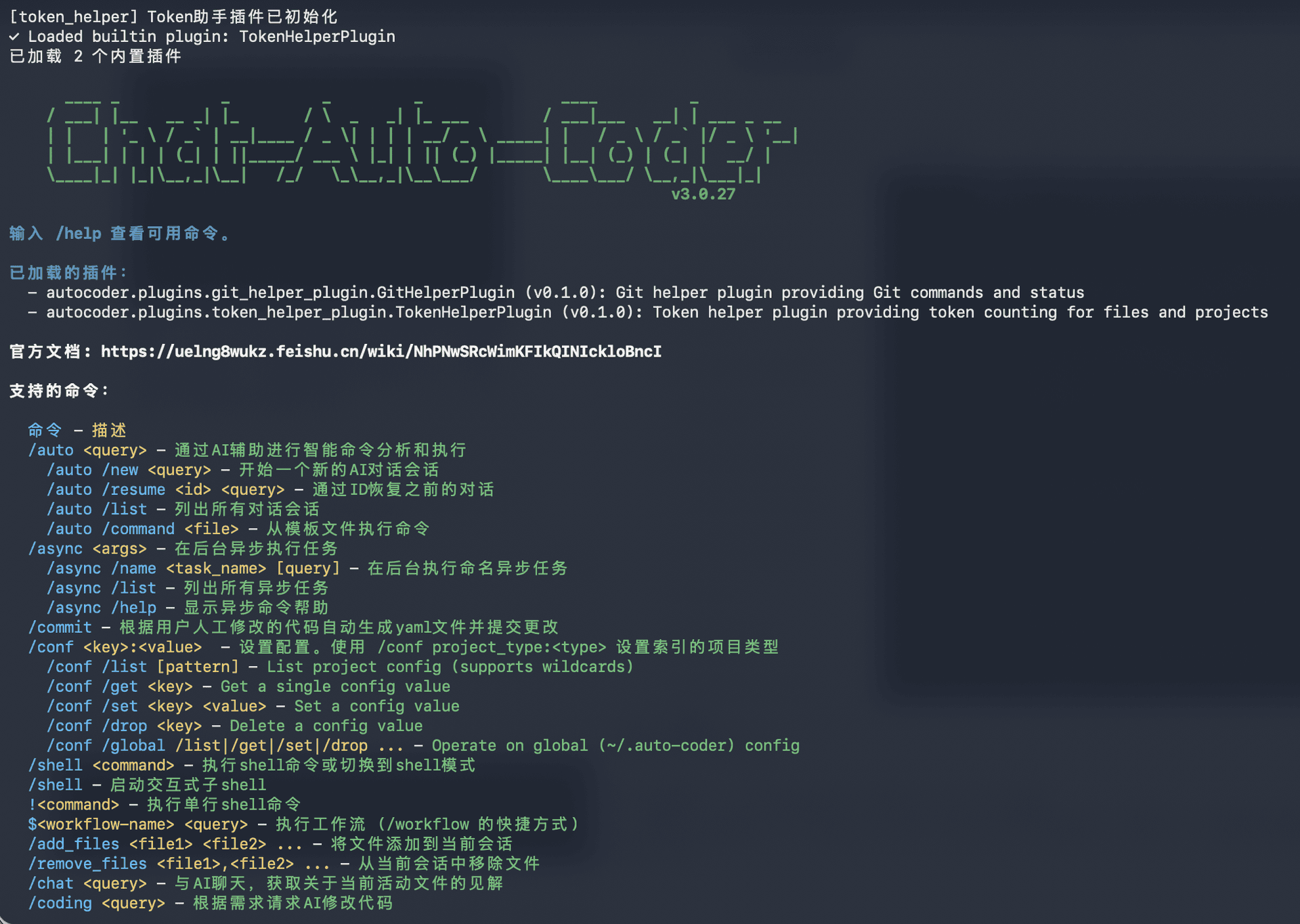
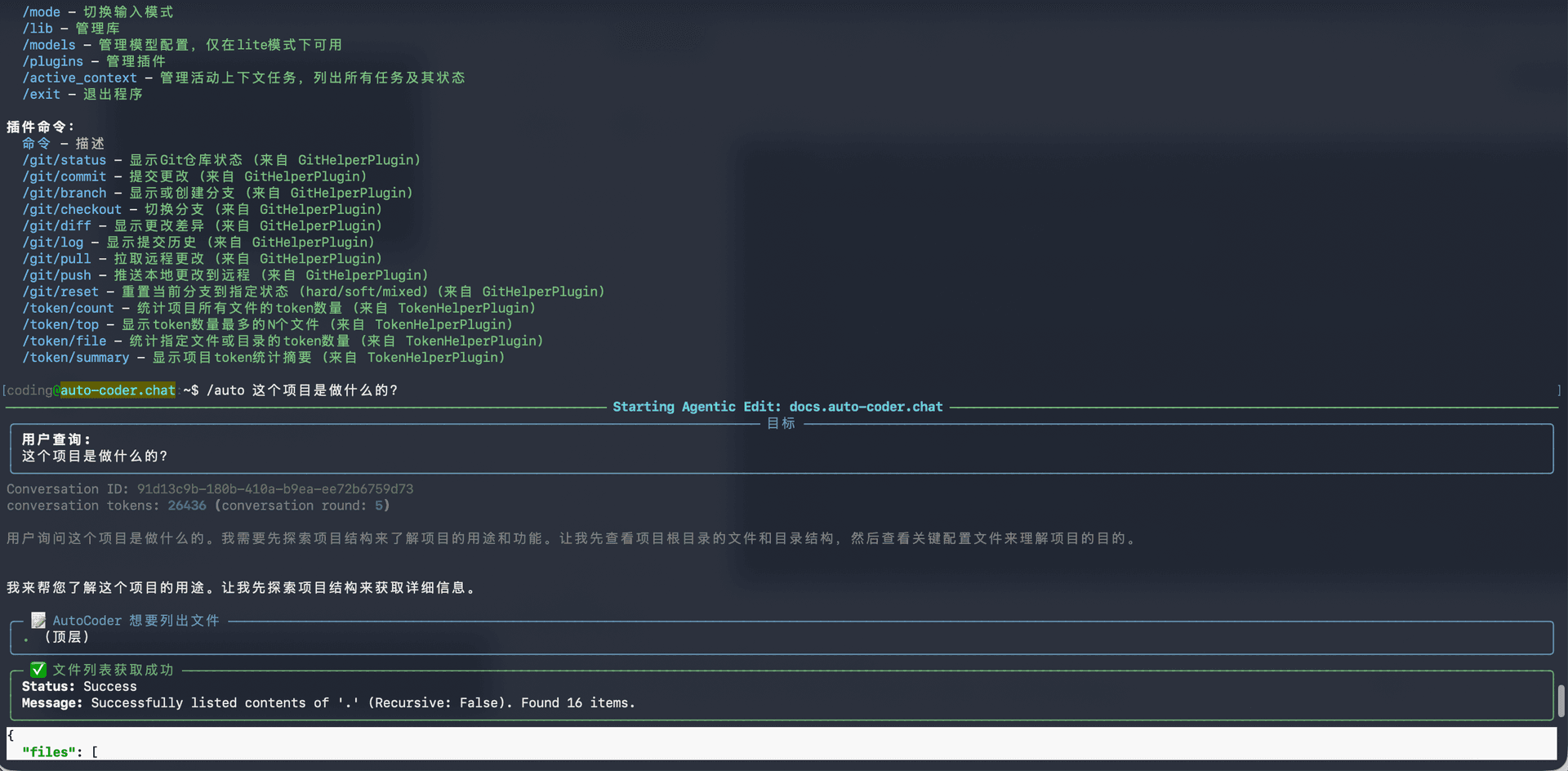
CLI mode is the home of Async Vibe Coding, with a rich set of commands. Simply describe what you need in natural language, or use these core commands:
/auto <query>— Analyze and execute coding tasks with AI/async <query>— Submit tasks to run in the background
Lightweight terminal interface:
Your First Conversation
Whichever mode you choose, try these prompts:
What does this project do?Add a user login featureFix the bug in src/utils.ts
Next Steps
- See Configuration to set up models and customize your experience
- See Basic Usage for a deeper dive into all features