Async Mode
Learn about Auto-Coder.Chat's Async Mode — submit tasks to run in the background with parallel execution and automatic merging.
Async Mode (/async)
Async mode is Auto-Coder.Chat's killer feature — submit tasks to run in the background. You can submit multiple tasks simultaneously, and they'll execute in parallel with results automatically merged.
Submit an Async Task
/async /name my-job /time 40m Refactor the error handling logic across the project
/name my-job— Name the task (required)/time 40m— Set maximum runtime (e.g.,40mfor 40 minutes)- Followed by your request
For longer requests, wrap them in double quotes or triple quotes:
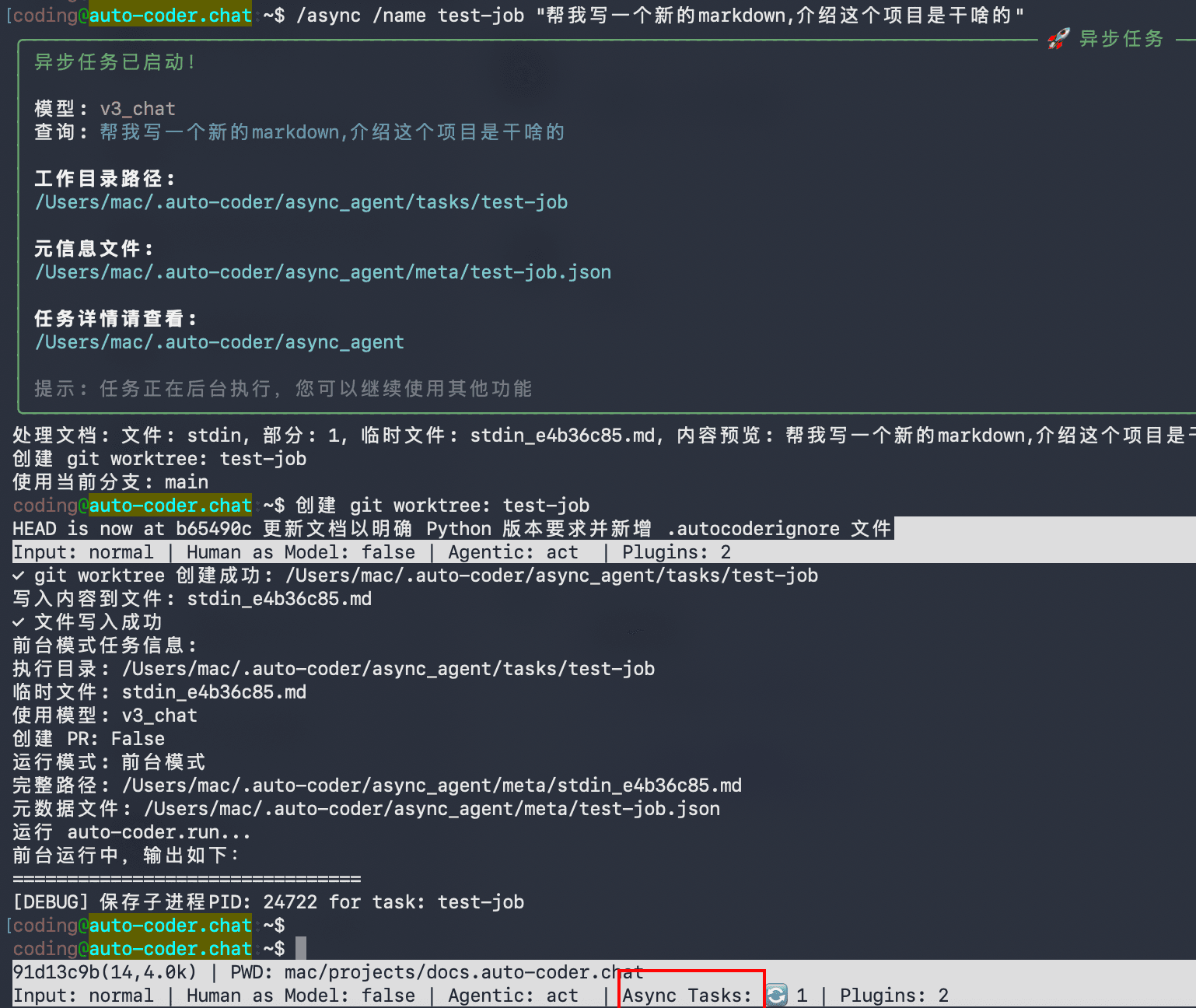
/async /name my-job /time 40m "Write a new markdown file introducing what this project does"
/async /name my-job /time 40m '''
1. Refactor the auth module
2. Add unit tests
3. Update related docs
'''
Tasks run in an isolated git worktree in the background, without affecting your current work:
Monitor Async Tasks
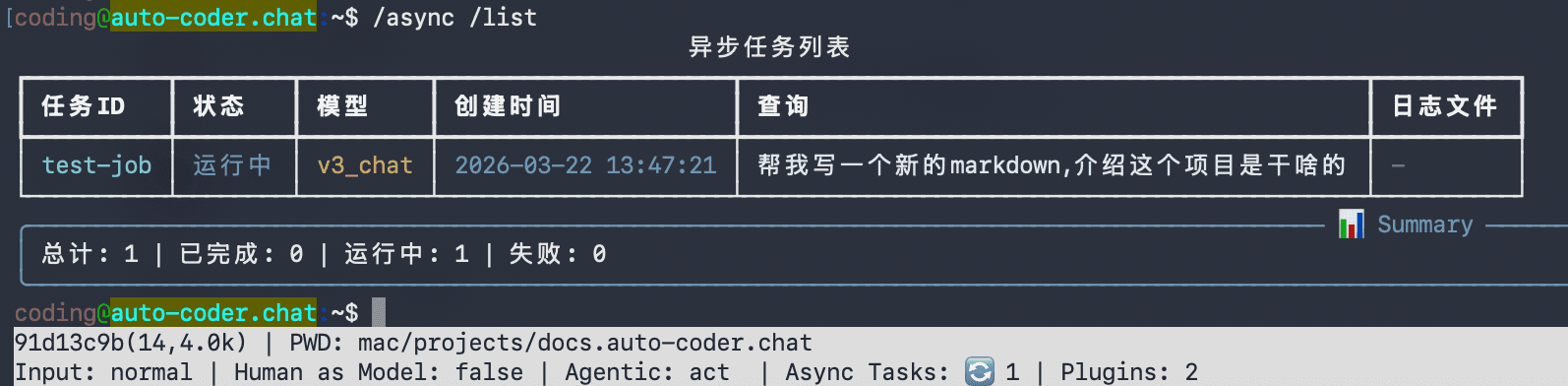
# List all async tasks
/async /list
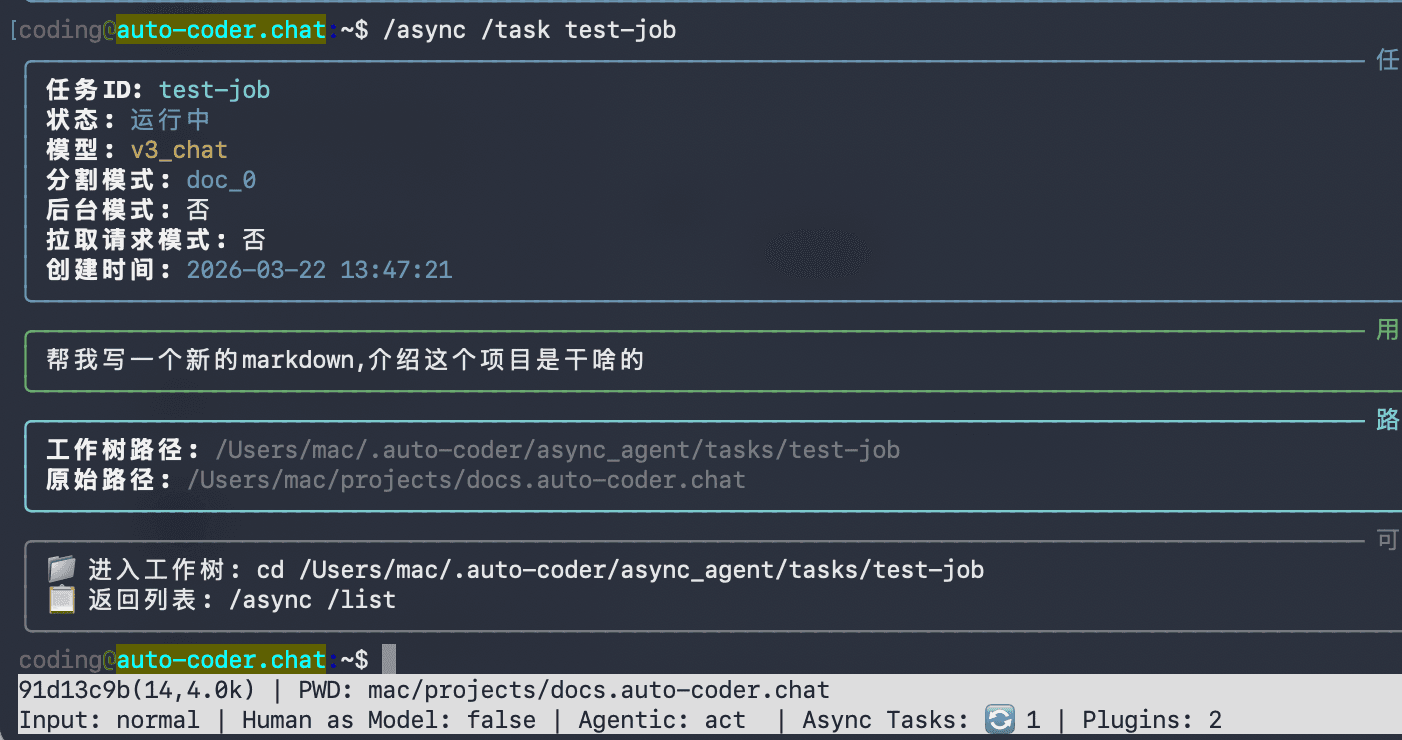
# View details of a specific task
/async /task my-job
Inspect with External Tools
Async tasks run in isolated working directories. You can open them with any external tool (e.g., Cursor, VS Code):
!cursor ~/.auto-coder/async_agent/tasks/my-job
The
!prefix executes an external shell command.
Merge Async Tasks
When you're happy with the results, merge the task back into the main branch:
/auto /merge my-job
Async Workflow Execution
You can also submit SubAgents Cowork Workflows to run asynchronously in the background:
/async /name my-plan /workflow plan "Refactor the user authentication module"
Async workflows run multi-Agent staged tasks in an isolated git worktree, with models defined by the workflow YAML. See Cowork Mode — Async Workflow Execution for details.
Next Steps
- Learn about Cowork Mode for multi-stage workflows
- See Best Practices for tips on efficient usage